
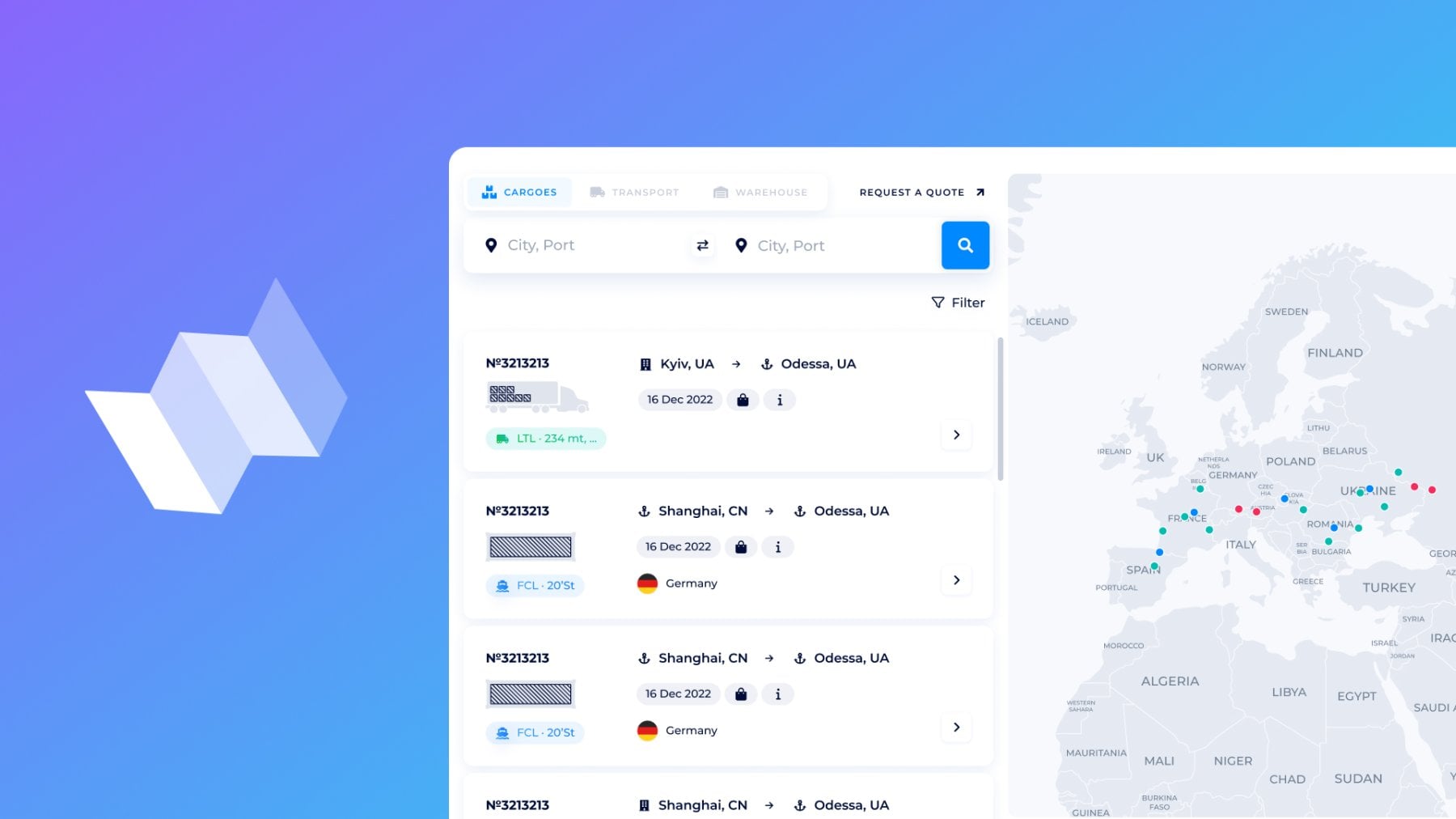
Urgent shipments of shippers/cargo owners, or non-standard consignors’ needs, and carriers hunting for profitable loads to complete shipping with the maximum profit — what unites all of this? The Logistics Map is the platform for this bidirectionally supply chain cycle. Both sides can delegate optimization of shipping budget, ensure automated bookings, and get tailored offers on the current market in a single place.
With the Logistics Map, shippers gain a tender platform with a variety of offers to compare and choose the best, as well as carriers unlock a flood of right-targeted leads. Let’s explore how the Logistics Map allows you to streamline shipping with the ‘Cargoes’ tab.
Overview of the “Cargoes” tab
Ready to execute shipments on beneficial terms for both? The entire logistics happens on this interactive map.
Log in to your SeaRates account, head to Logistics Map, and go to the “Cargoes” tab. From there, the platform adapts to your role (Shipper or Carrier), whether you're looking for a quote or offering services.
For Shippers: Place cargo to gather the best offers from carriers
Carrying out one-off shipments or scaling trade? The reliable partners and customized services are the key to your business for both scenarios.
All verified carriers with appropriate offers are already in one place. Do not waste your time with something general.
There is no need for cold calls or manually looking for quotes endlessly. All it takes is to place your request for cargo transportation and get tailored quotations from verified carriers worldwide.
How to place your offer?
It works like your own tender system. Click on the Request a Quote button and fill out the form:
- Specify all essentials, such as commodity details, shipping types, container quantity, weight, etc.;
- Provide routes and timing: Enter origin/destination points and preferred dates for loading;
- Add Associated services or special requirements like temperature control or handling instructions;
- Submit your request by clicking Send.
Find the detailed overview of the Request System here.
Done! Your inquiry has been placed on the Logistics Map for carriers automatically. The more preferences you have set, the more customized offers providers can send to you.
Want to check requests on the market in real time? Let’s explore the interactive Map.
1. Enter origin/destination points of your route;
2. Get a full list of valid requests — choose the appropriate ones by notes on the cards;
3. Here is the request card with the shipping and container type, ready-to-load date, and any extra details (requested services or cargo terms):
4. Open the request card to:
- find the route on the map
- copy the link for sharing
- or go to the right top corner and click on “View all available offers”. You’ll go to the Logistics Explorer tool with all freight rates for this request placed on the market currently.
How to book a rate within a few minutes here? Find the Logistics Explorer full guide.
Filter the current request by location, readiness for loading, shipping mode, transportation type, warehouse services, and product requested. Also, you can view even expired requests or only requests submitted by yourself.
Zoom the Map to make requests searching even quicker if the location is the key parameter for you:
You get an instant overview of the current requests for cargo shipping across the globe.
What’s in the result? Gather the most tailored offers from the carriers directly to your Virtual Office. Compare by price, terms, timelines, or add-on services and book on the spot for perfect matches ahead of tight procurement, manufacturing, or delivery deadlines.
One of the main benefits is that you’re also not just waiting for quotes; you’re actively searching for the best tariffs for sea, air, rail, or road freight.
For Carriers, FFs, and 3LP
For freight forwarders, carriers, and logistics providers, the Logistics Map turns into the lead generator by promoting your services and tariffs in real time. You get access to live shipper’s requests with all details to quickly find the perfect fit and quote them with competitive rates.
Want to carry a single shipment or find more requests at once to complete your FCL with a few LCL inquiries? Need to sync container flows in Canada, South Africa, or any other specific direction on the globe? Keep going with the Logistics Map Cargoes:
Zoom the Map for the location or specify a route. If there are any other key parameters you’re looking for, Filter results by date of loading readiness, transportation mode, and cargo type.
Explore the result on the “Cargoes” tab. Request cards contain images of shipping type, route/location, cargo weight, ready-to-load date, extra comments, services, and details:
When you find a shipper’s inquiry by location on the Map or by entering the route above, go to the request card with all provided details, such as cargo info, location/route, services required, request summary, and any extra notes. You can copy the link to the cards to share with your partner.
How to quote a request? It takes just two seconds to click the ‘Quote’ button and get this request in your Virtual Office automatically for further management.
Here is a quick chat with the SeaRates Support to ask any questions about quotation requests.
What’s in the result? You cut manual searching and get profitability from global lead generation. Making minimal efforts and turning idle capacity into your sales pipelines is the key to increasing revenue.
Web integration
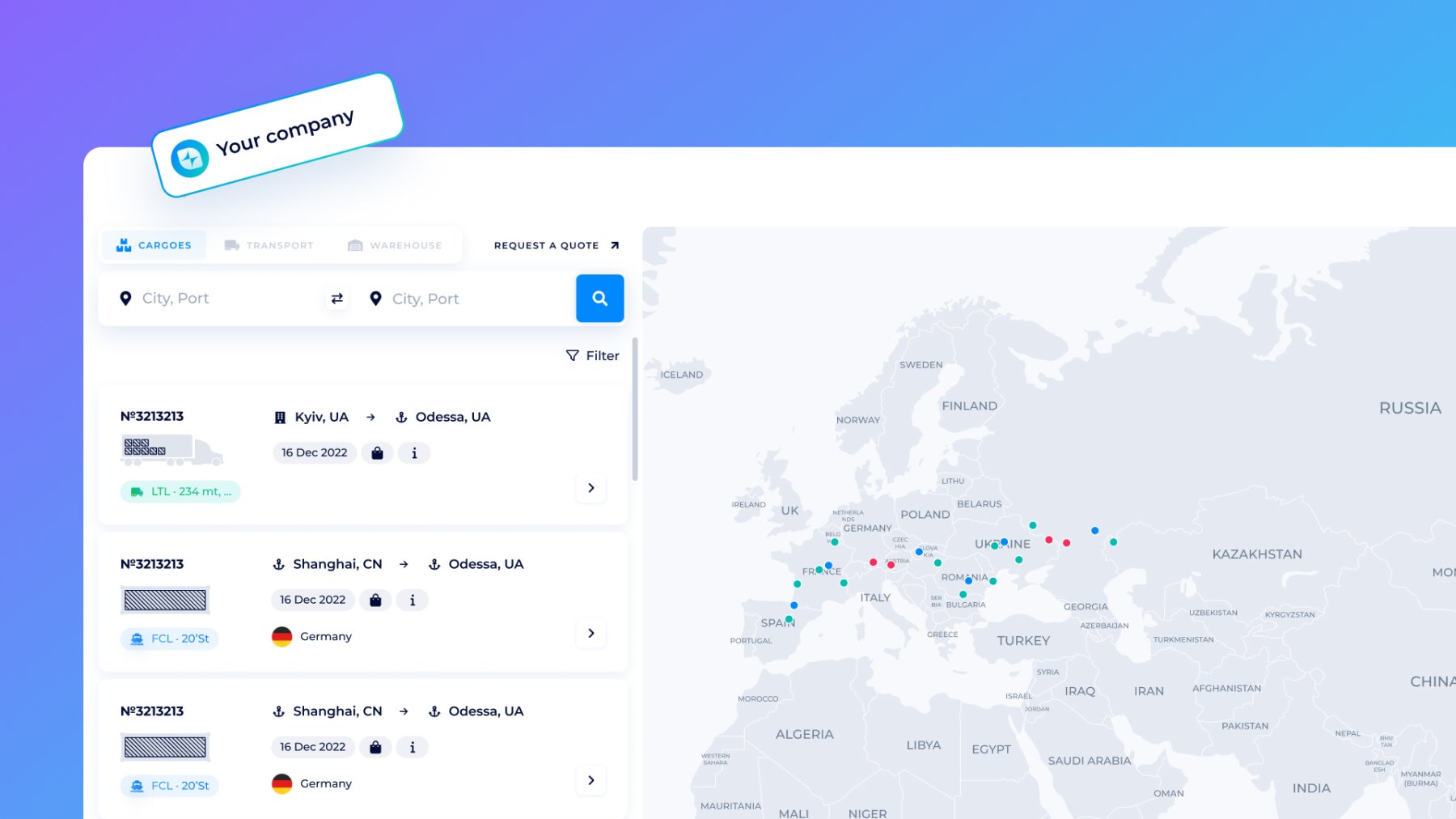
Extra advantages are available with the integration of this white-labeled tool into your website. Upsell freight requests management depending on your role: shippers get their own tender platform, and carriers set a branded map for lead generation. Explore documentation and request the integration demo from our team.
API connection
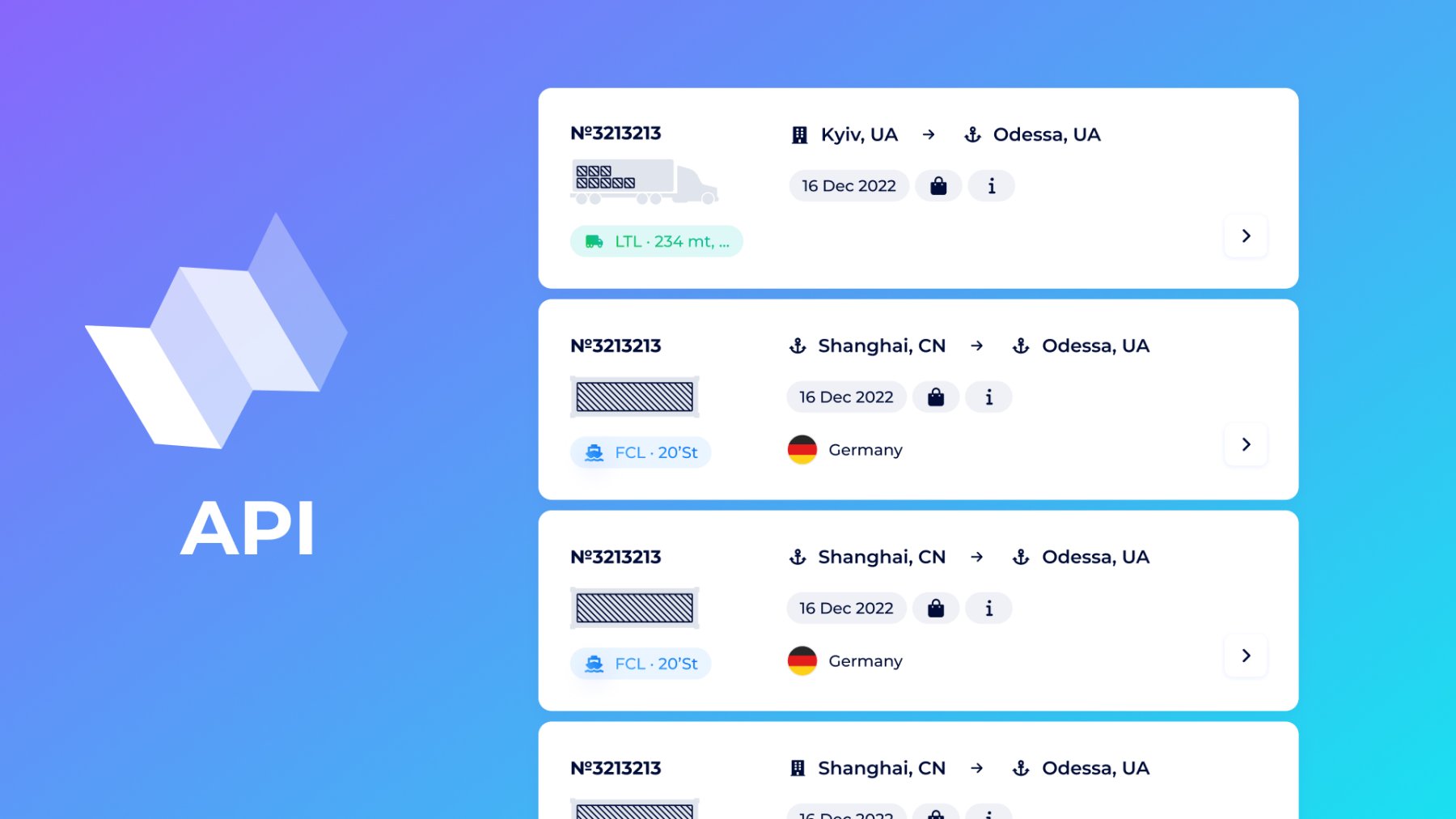
With the Logistics Map API, you can synchronize data, create your own app, and automate the entire process. It works bidirectionally: shippers automate RFQs and advertise tenders, and carriers auto-quote on matches and promote their services.
- Shipping requests/services upload
- Leads generation and filtering into your ERP/TMS
- Dynamic pricing and tenders management
Request the API demo and access from our team, and sync with systems like SAP or custom dashboards.
For advanced access and custom integrations, drop us a line at [email protected]. Stay tuned for further guides about the Logistics Map for the "Transport" and "Warehouses"!
